Adobe Podcast: A Summary

Adobe Podcast Enhance transforms your audio work style. The modern AI technology used in this product is its most remarkable feature. It gives your recordings a polished, recorded tone and improves your creativity instead of burying it. Think of it as your recording studio, where your creative ideas meet modern technology. Using Adobe Podcast Enhance lets you follow along from the initial take to the completed, polished result.
How Can Adobe Podcast Improve Work?
Using Adobe Podcast Enhance, anybody can get audio improvement, enjoyment, and access. Modern artificial intelligence helps to transform your raw recordings into great audio.
The procedure is as follows:
1. Input and inspiration
The first simple action in utilizing Adobe Podcast Enhance is to give your audio input. This may apply to any other recording requiring editing, a podcast episode, or an interview. Understanding the nuances of your audio helps the tool to raise the sound quality.
2. Voice Extraction and Isolation
Adobe Podcast’s algorithms Improve then start work. Separating the voice from background noise and unwanted noises is their primary objective. This guarantees that the main content of your recording—the voice—is clear and unique. The voice isolator guarantees that every syllable is audible, therefore enhancing listening quality.
3. Sound improvement
The artificial intelligence improves every facet of the music, including volume levels and clarity. To make sure the final product sounds sleek and professional, equalization, noise reduction, and other effects are implemented. The audio enhancer tool refines the recording to make sure it reflects your initial idea.
4. Audio Making
Once the artificial intelligence does its magic, your better audio will be accessible. Using Adobe Podcast You can be assured that your recordings maintain the integrity and original intention of your work while also sounding polished. Using Adobe Podcast makes it quick and easy to turn your recordings into excellent audio. Improve. From your recordings, Adobe’s advanced artificial intelligence will handle everything else to create polished, high-quality audio output; simply upload your audio file.
Adobe Podcast Enhance Key Features
Among audio-improving tools, Adobe Podcast Enhance stands out for its advanced capabilities. Here’s what makes it different:
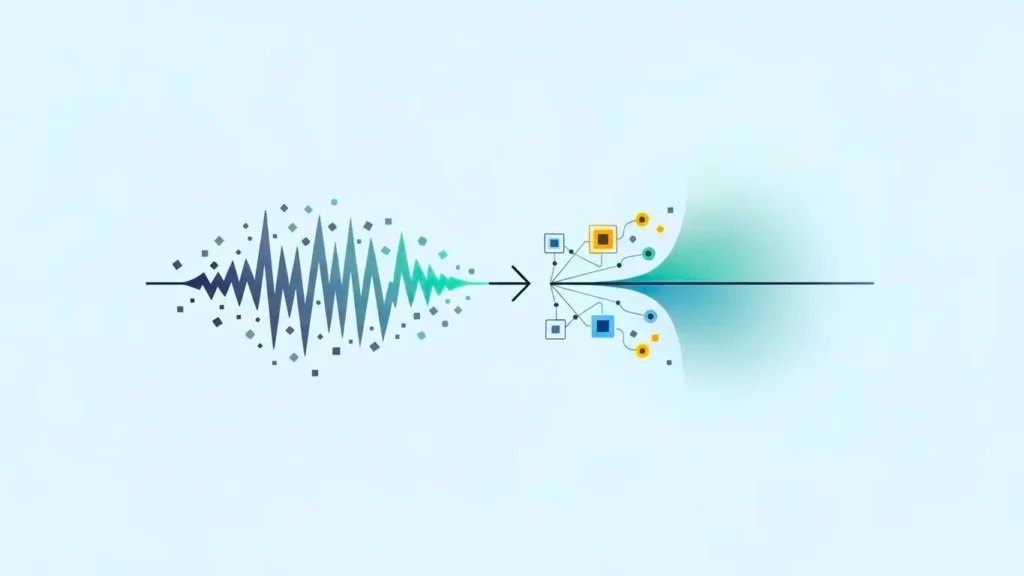
Voice Isolator
This system not only improves audio quality but also correctly isolates speech from background noise. Because the voice isolator guarantees that the primary subject of the recording is heard and clear, your recordings and podcasts will sound professional.
Better audio clarity
Adobe Podcast Enhance has improved the audio quality of every recording to a great standard. Your information will grab listeners and keep their attention throughout thanks to clarity and depth of sound, which makes for a pleasant experience.
Noise Management
Say goodbye to annoying background noise. Adobe Podcast’s noise reduction feature, Enhance, effectively gets rid of background noise to ensure crisp, clear recordings. Recordings taken in less-than-ideal circumstances benefit from this particularly.
Audio Boost Correction
Beyond noise reduction, the audio enhancer tool enhances every facet of your recording. It makes sure your audio sounds professional and balanced by adding effects, balancing frequencies, and changing the levels of the volume.
Usabilities
Adobe Podcast: The design of Enhancer gives simplicity of usage top priority. Anyone can quickly and simply enhance their recordings with its simple interface, irrespective of their technical ability.
Adaptability
Adobe Podcast: Whether you’re polishing a podcast, audio recording, or interview, Enhance adapts to your needs. Its flexibility, shown by its capacity to process different audio formats and recording environments, makes it a must-have tool for anybody interested in audio production.
Podcast of Adobe Podcasters, content producers, and audio experts all need enhancing since it simplifies turning unprocessed recordings into premium audio.
Adobe Podcast Offers Advantages and Disadvantages
Adobe Podcast, on the other hand, though it has some flaws, is a great artificial intelligence audio enhancement tool. Its most notable advantages and disadvantages follow.
Advantages of Adobe Podcast
- Make sure the sound is rich and very clear.
- Simplifies the audio improvement procedure.
- Efficiently separates voices from background noise.
- Suitable for a broad spectrum of recording settings and audio kinds.
- Created with simplicity of use in mind, so it is available to consumers of any level of technical ability.
- Users can get clear, professional-grade audio without having to buy pricey gear or work in a soundproof room, which means that good production is now available from home or on the go.
- Browser-based Workflow: Everything from recording to editing to exporting can be done right inside a web browser, so you don’t have to install complicated software or use third-party tools.
- Flexible Output Options: The Premium plan lets users improve the quality of both audio and video files, so Adobe Podcast is a good tool for people who work with multimedia.
- Users can select whether to create audiograms with or without Adobe branding, depending on their plan.
- This gives them more control over how their work is shown.
- The Premium plan lets users upload and edit many files at once, therefore simplifying operations for agencies, content teams, or podcasts managing big volumes of recordings.
Disadvantages of Adobe Podcast
- The quality of the final product is still somewhat determined by the initial recording.
- Advanced features might need a membership.
Adobe Podcast Enhance is for whom?
From beginners to professionals, a wide range of users might gain from audio enhancement with Adobe Podcast Enhance, a versatile application. Here is how different kinds of users will profit from it:
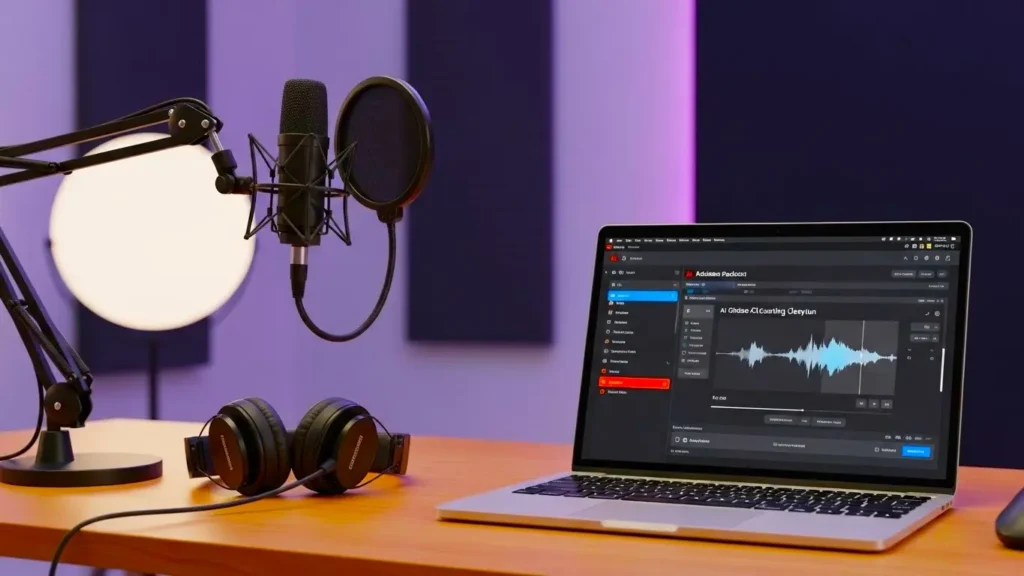
Future Podcasters will need to be able to do a lot of different things.
Adobe Podcast. If you’re only beginning with podcasting, then Enhancer is the best companion. It simplifies audio editing so you may focus on producing content rather than struggling with technicalities. Thanks to its simple design and automated features, this software can enable you to quickly create excellent audio even if you have no prior knowledge of audio editing.
Professional Podcasters
Adobe Podcast: Experienced podcasters may use Enhance to streamline their work. Its advanced features include voice isolation and noise cancellation, which help to create clean and polished audio. This enables experts to save time on editing while keeping a great level of audio quality.
Producers of Content
Adobe Podcast. For teachers, social media stars, YouTubers, and other content creators, Enhance is a fantastic tool. Whether you’re recording interviews, tutorials, or voice-overs, this tool improves audio clarity and quality so that your audience will find your work to be more interesting and entertaining.
Remote Employees
Adobe Podcasts.t For remote workers who regularly participate in online conferences and webinars, Enhancer is a great tool. It can ensure that important information is delivered quickly and properly, independent of the recording environment, therefore greatly improving the audio quality of taped sessions.
The Future of Audio with Adobe Podcast Enhanced
Not only is Adobe Podcast Improve revolutionizing the audio editing business now, ow but it also paves the way for future audio material creation.
Starting Audio Correction
The platform is always evolving to improve audio and editing quality by the use of the most recent developments in artificial intelligence. Expect its impact on audio production to grow as it adds more complex features and becomes more generally accessible.
Broadening Your Creative Perspectives
Adobe Podcast makes Improvement will only lead to more creative options. Look forward to fresh tools that let people express their musical taste more clearly by giving more freedom and personalization options. This program will go beyond conventional audio editing and improvement.
Making Audio Editing Accessible Everywhere
Adobe Podcast Enhancement seeks to provide everyone with access to excellent audio editing. Future enhancements will increase the tool’s user-friendliness so that anyone with a passion for audio content creation, podcasting, or both, independent of technological skill, can produce great audio. With this tool, you may mold the sound of the future by means of your originality and creativity.
Acceptance of Diversity in Global Audio
The program seeks to cover a wider spectrum of musical styles and cultural influences. Users can find and produce audio material relevant to a wide spectrum of world customs. Using Adobe Podcast Enhance, producers can mix different sounds and looks to make a more inclusive and varied audio environment.
Leading Applications for Adobe Podcast
For a broad spectrum of artists and professionals, Adobe Podcast is a multipurpose platform designed to raise audio quality. Here are the main applications in which Adobe Podcast performs:
- Podcasts: Whether for solitary episodes or multi-speaker interviews, podcasters may rely on Adobe Podcast to create clear, expert-sounding audio even if captured in less-than-perfect conditions.
- Content producers: Adobe Podcast helps content producers on sites like YouTube, TikTok, and Instagram perfect their voice-overs and narration to make sure their audio reflects the caliber of their visuals.
- Marketing: Adobe Podcast’s rapid, excellent processing helps agencies and freelancers provide polished voice material to clients without requiring a real studio.
- Course materials: Adobe Podcast helps teachers document course materials or lessons to guarantee clarity, simplicity of following, and the absence of background noise or interruptions.
- Narration: Audiobook narrators can improve their recordings to adhere to industry norms, thereby generating rich and immersive sound that enthralls listeners from start to finish. Adobe Podcast Costing.
- Voice-over: Adobe Podcast’s tools enable voice-over artists to clean up recordings and improve vocal clarity, therefore producing premium business, character, or explanatory voice-overs.
Adobe Podcast Pricing
For professionals and amateurs alike, Adobe Podcasts provides both free and premium subscriptions. Here are the price tier variations:
Adobe Podcast Free Plan
The Free Plan is ideal for informal creators wishing to improve their audio without requiring sophisticated equipment or video assistance. Users can work on one audio file at a time, with a daily limit of one hour and a maximum length of 30 minutes (up to 500 MB). Users are limited to two Studio projects per day with a 30-minute total running time. The plan provides access to the Mic Check tool and customized audiograms, even if there’s no means for mass uploads, strength correction, or downloads of original recordings.
Premium Plan
Users who require more power and flexibility in their production workflow would find the Premium Plan suited for them. Along with bulk uploading and processing to simplify high-volume work, it offers full video support for forms, including MP4 and MOV. Users can improve up to 4 hours of content every day, with personal file sizes reaching 1 GB and lengths up to 2 hours. For a polished, professional finish, the plan also provides strength adjustment controls for fine-tuning results, infinite Studio downloads with speaker-separated files, and unbranded audiograms. The Mic Check tool and a 30-day free trial are included so experts may investigate everything the platform has to offer without financial risk.
Final Thoughts
Adobe Podcast Improving our interaction with audio files by making it easy and economical for everyone to modify premium audio will help us to enhance changes. From New Delhi to New York, producers can quickly and efficiently create great audio wherever. It promotes experimenting with different audio styles and is always developing, so making audio fun and never-ending.
Adobe Podcast Enhance is your traveling buddy for your audio excursions, not only a tool. It turns your ideas into crystal-clear, excellent audio, lets you talk in your voice, and clears away regular obstacles. Whether you’re a podcaster, teacher, or content creator, this tool can help you make your audio aspirations come true.
Related Topic:
- BEST AI TOOLS IN 2025
- RELATED TOPICS ABOUT VIDEO & VOICE TOOLS
- BEST BLOGS ON AI TOOLS
- ABOUT US SMARTTOOLBLOG
- CONTACT US SMARTTOOLBLOG
FAQs About Adobe Podcast
1. What is Adobe Podcast AI used for?
Adobe Podcast AI is used to enhance audio quality by automatically removing background noise, echo, and distortion, making voice recordings sound clear and professional.
2. Is Adobe Podcast AI free to use?
Adobe Podcast AI offers free and limited usage, allowing users to enhance audio online without installing software, though advanced features may require an Adobe account.
3. How does Adobe Podcast AI improve voice quality?
It uses AI-powered speech enhancement to isolate human voice, balance volume levels, and reduce unwanted noise for studio-like sound.
4. Who should use Adobe Podcast AI?
Adobe Podcast AI is ideal for podcasters, YouTubers, freelancers, teachers, journalists, and remote workers who want clean, professional audio without technical expertise.
5. Does Adobe Podcast AI work for poor-quality recordings?
Yes, Adobe Podcast AI can significantly improve low-quality or noisy recordings, though extremely distorted audio may have limited enhancement results.